Market Updates
Static IP Whitelisting for API Trading: A Practical Setup Guide
If your API orders started getting rejected and you can't work out why, there's a good chance the culprit is your IP address — specifically, that it keeps changing. Under SEBI's 2026 framework, orders sent through a broker API can only come from a static IP address registered with your broker. Connect from anywhere else and the order bounces. For traders running on ordinary home internet, this is the single most common compliance snag, because most home connections don't give you a fixed IP. Here's how to fix it properly.
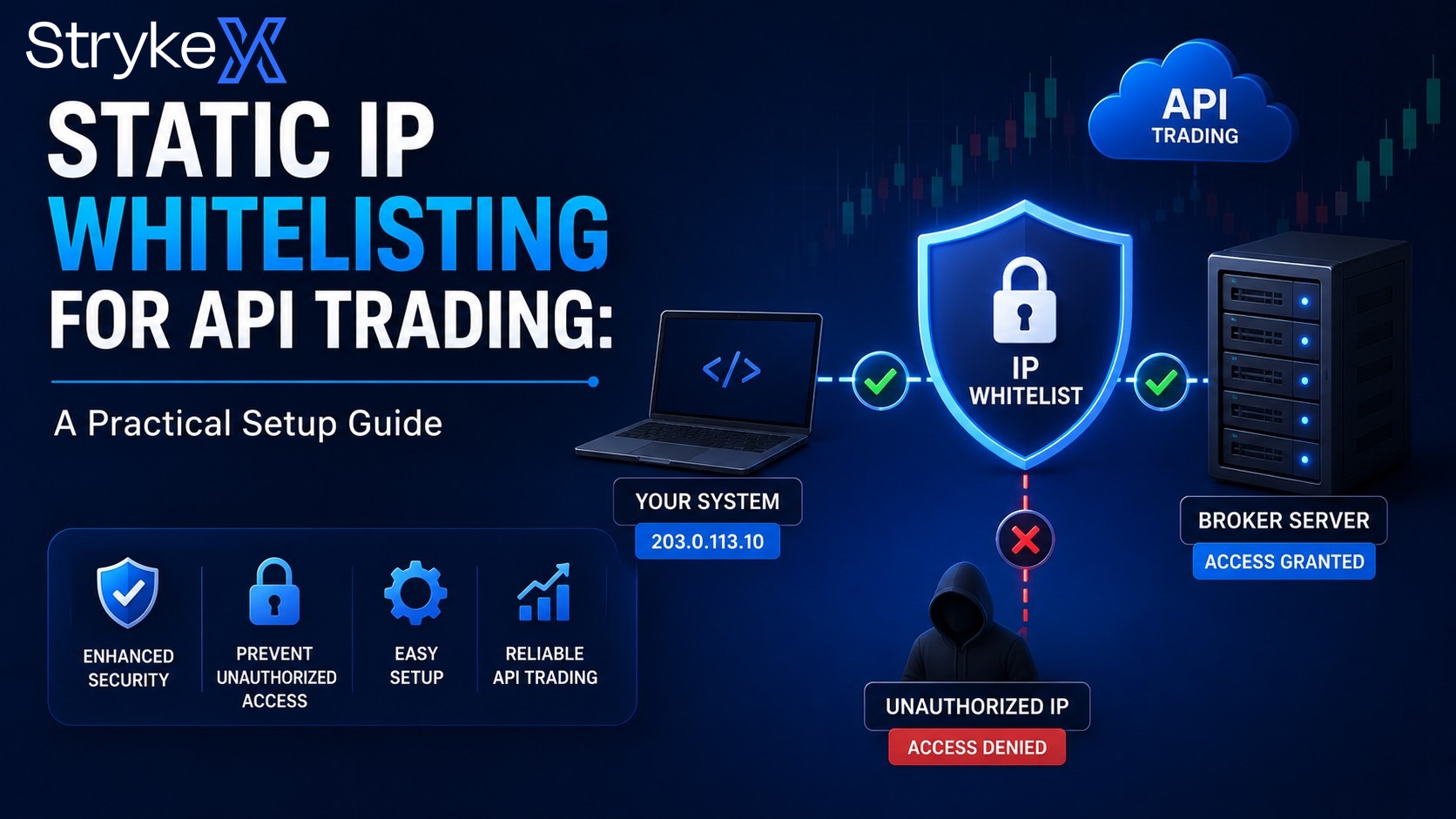
Static IP Whitelisting for API Trading: A Practical Setup Guide
If your API orders started getting rejected and you can't work out why, there's a good chance the culprit is your IP address — specifically, that it keeps changing.
Under SEBI's 2026 framework, orders sent through a broker API can only come from a static IP address registered with your broker. Connect from anywhere else and the order bounces. For traders running on ordinary home internet, this is the single most common compliance snag, because most home connections don't give you a fixed IP. Here's how to fix it properly.
First, understand the problem
Your internet connection has an IP address — the number that identifies where your traffic comes from. Most residential broadband uses dynamic IPs: your provider hands you one from a pool and it can change, sometimes daily, sometimes whenever your router reconnects.
The framework requires a static IP: one that stays the same, that you register with your broker, and that the broker whitelists. When your orders arrive from that exact address, they're accepted. From any other address, rejected. It's a security control — it makes it far harder for someone who isn't you to push orders through your API.
Your realistic options
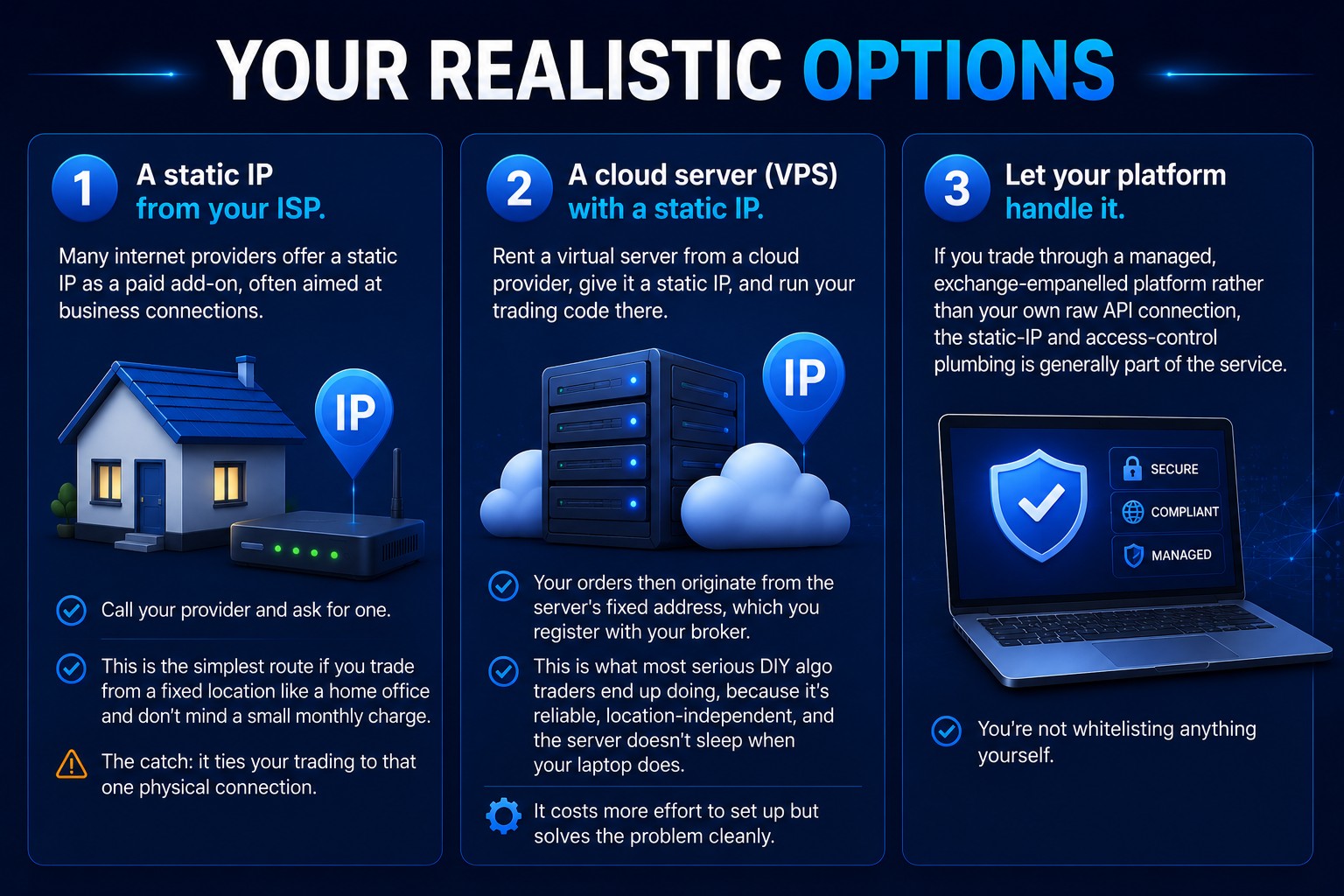
There are three common ways to get a compliant static IP. Which one fits depends on how and where you trade.
Option 1 — A static IP from your ISP. Many internet providers offer a static IP as a paid add-on, often aimed at business connections. Call your provider and ask for one. This is the simplest route if you trade from a fixed location like a home office and don't mind a small monthly charge. The catch: it ties your trading to that one physical connection.
Option 2 — A cloud server (VPS) with a static IP. Rent a virtual server from a cloud provider, give it a static IP, and run your trading code there. Your orders then originate from the server's fixed address, which you register with your broker. This is what most serious DIY algo traders end up doing, because it's reliable, location-independent, and the server doesn't sleep when your laptop does. It costs more effort to set up but solves the problem cleanly.
Option 3 — Let your platform handle it. If you trade through a managed, exchange-empanelled platform meaning rather than your own raw API connection, the static-IP and access-control plumbing is generally part of the service. You're not whitelisting anything yourself.
The setup steps, in order
Whichever route you choose, the sequence is the same:
- Obtain your static IP (ISP add-on, or note the static IP of your VPS).
- Confirm it's genuinely static. Reconnect, reboot, wait a day, and check it hasn't changed. A "static" IP that drifts will cause intermittent, maddening rejections.
- Register it with your broker. Each broker has its own process — usually a form or a setting in the API/developer section of your account. Submit the exact IP.
- Enable two-factor authentication on your API access if you haven't — it's required alongside the static IP, not instead of it.
- Send a test order (a small, easily cancellable one) and confirm it's accepted. If it's rejected, the IP you registered and the IP you're actually connecting from don't match — recheck both.
Common mistakes that waste an afternoon
- Registering your home IP and assuming it's static. It usually isn't. Verify first.
- Trading from the VPS but registering your laptop's IP (or vice versa). The order originates from wherever the code runs, not from where you're sitting.
- Forgetting that VPNs change your apparent IP. If a VPN is running, your traffic exits from the VPN's address, not your registered one.
- Skipping the test order and discovering the problem live during market hours.
Why this is worth doing right
The static IP requirement is mildly annoying to set up and then never bothers you again. It's also one of the genuinely sensible parts of the framework: it means that even if your API credentials leaked, an attacker couldn't push orders from their own connection. A little friction now, real protection later.
For where this sits among the other access rules, see thesebi-algo-regulations-2026-complete-guide.
StrykeX — By Stockwiz Technologies